Arzopa Z1FC Portable Monitor Review: Is the 144Hz Screen Worth $109.99? (Honest)
The Arzopa Z1FC is a 16.1-inch portable monitor with a 144Hz screen. It costs $109.99 for Prime members right now. The regular price is $129.98. It gives you a second screen for a laptop, a console, or a phone. And it carries 4.4 stars from 2,633 Amazon ratings. In this honest review, I cover what it does well, where it falls short, and who should skip it.
The short version: The Arzopa Z1FC is the cheapest credible 144Hz portable monitor you can buy. Its screen is bright and color-accurate for the price. It is light, slim, and easy to carry. But it has no adaptive sync. Its kickstand is flimsy. And it has no battery, so it needs a powered USB-C port. If you want a smooth second screen for work and casual gaming, this is an easy pick. If you play fast competitive games, the missing adaptive sync matters.
Best for: Anyone who wants a big, smooth second screen for a laptop, a home office, or travel — without paying $200 or more.
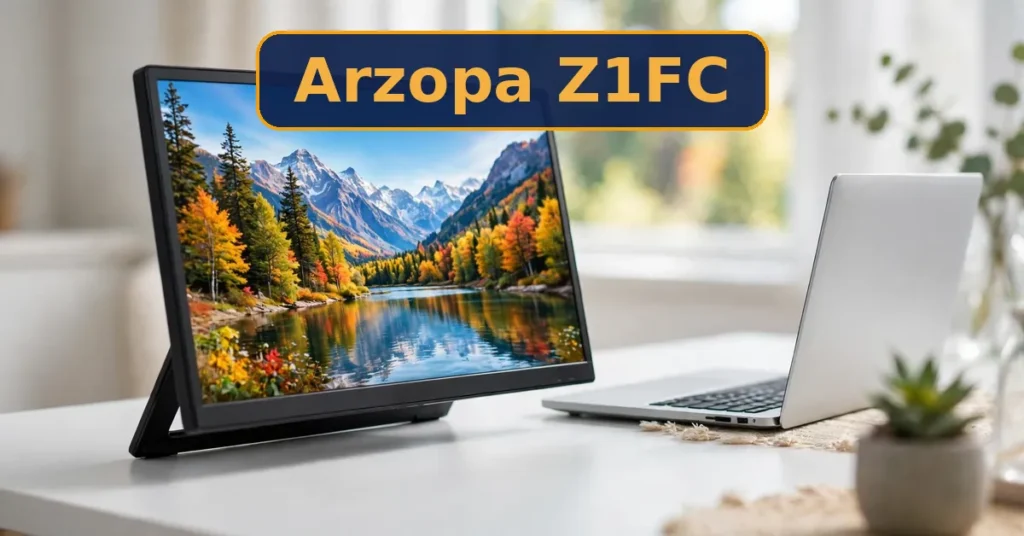
The Arzopa Z1FC is a portable monitor with a 16.1-inch IPS screen. It shows Full HD at 1920 x 1080. It refreshes at 144Hz, which is twice as fast as most laptop screens. It connects over USB-C or mini-HDMI. And it weighs just 1.7 lb, so it slips into a laptop bag.
Arzopa is a budget monitor brand with a strong Amazon presence. The Z1FC is its entry-level gaming model. It launched at a $199.99 list price. It now sells for $109.99 for Prime members. The regular price is $129.98, with a list of $129.99. That drop is what makes it interesting. At this price, no other portable screen offers 144Hz.
Inside the box, you get the monitor and three cables. There is a USB-C to USB-C cable, a mini-HDMI to HDMI cable, and a USB-C to USB-A cable. There is also a quick-start guide. But there is no power brick in the box. And a carrying case comes only with some variants. So check what your listing includes before you buy.
PCWorld reviewed the Z1FC in July 2026. Its reviewer called it “the best tech purchase I’ve made in the past year.” That is strong praise for a $110 screen. But the review also noted the same limits I cover below. So read the full picture before you decide.
Arzopa Z1FC Features — In Detail
144Hz Refresh Rate
The 144Hz refresh rate is the headline feature. It makes scrolling, dragging windows, and gaming feel smooth. Most laptop screens run at 60Hz. So the jump to 144Hz is easy to notice. It is the main reason to pick the Z1FC over the cheaper 60Hz Z1C. But remember, there is no FreeSync or G-Sync here. Fast games can still show screen tearing.
Color Accuracy and Brightness
Arzopa claims 106% sRGB color coverage. Lab tests measured 98% sRGB instead. That is still very good for a $110 screen. PCMag measured 337 nits of brightness in its lab test. ServeTheHome measured a color error of just delta E 2.12. In plain terms, colors look rich and true. Photos and video look better than the price suggests. But HDR is weak here. So do not buy this screen for HDR content.
Design, Weight, and Portability
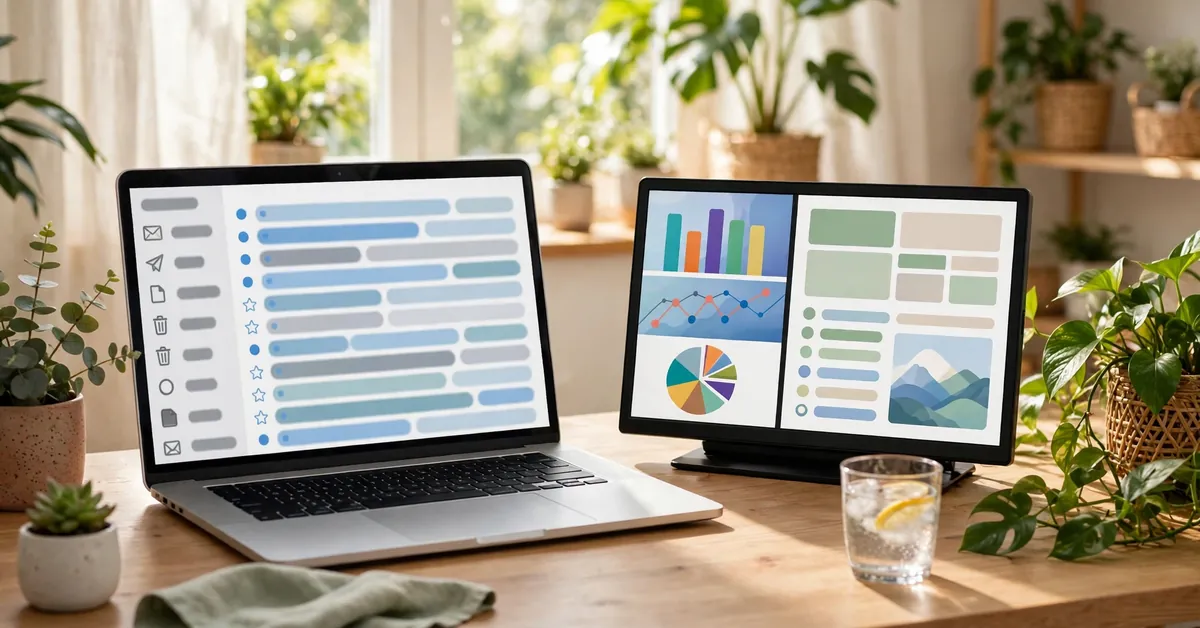
The Z1FC is slim, with a metal-look aluminum body. It weighs 1.7 lb and fits in most laptop bags. Its 16.1-inch screen is bigger than most 15.6-inch portable monitors. That extra size helps when you split the screen between two apps. It draws about 9W at full brightness. So a laptop USB-C port can usually power it. But a phone or a weak port may not deliver enough power.
Ports and Plug-and-Play
You get two USB-C ports and one mini-HDMI port. One USB-C cable can carry both video and power from a laptop. That means a single cable setup for most people. The mini-HDMI port connects a PS5, an Xbox, or a Switch dock. Built-in speakers handle basic sound. They are thin and quiet, so headphones are better for games and movies. There is also a 3.5mm audio output for that.
Kickstand
The kickstand folds out from the back of the screen. It holds the monitor in landscape or portrait mode. Portrait mode is handy for reading long documents or code. But the kickstand is the weakest part of this monitor. Owners call it flimsy. It opens only about 80 degrees in one direction. And it can feel wobbly on a soft surface. A cheap tablet stand fixes the problem, but it should not be needed.
No Battery, No Power Brick
The Z1FC has no internal battery. It must draw power from a USB-C port or a charger at all times. That is normal for portable monitors in this price range. But it means you cannot use it truly wirelessly. And there is no power brick in the box. So you may need your own USB-C charger. A 15W or stronger charger works well. Keep that in mind when you plan your travel kit.
Arzopa Z1FC Pricing
The Arzopa Z1FC lists at $129.99. Right now it sells for $109.99 for Amazon Prime members, and $129.98 regular. The $109.99 price also shows at the official Arzopa store and at Walmart. Price trackers show it has held near $109.99 for weeks. Its lowest price ever was $96.98. Prices change fast during sale events. So check the live listing before you buy.
Full-Cost Summary
Monitor: about $109.99 (list $129.99).
USB-C charger (if you need one): about $10 to $15.
Cables: $0, since three cables are in the box.
Carrying case: $0 with some variants, or about $15 separately.
Total first-year cost: about $109.99, plus a charger if you need one.
At $109.99, the Z1FC sits in the budget range. Most 60Hz portable monitors cost $85 to $130. The Z1FC adds 144Hz for the same money. That is why it wins so many “best for most people” picks. A sharper 2.5K screen costs much more. So this is the value pick, not the premium pick.
Big 16.1-inch screen in a slim 1.7 lb body that fits a laptop bag.
Plug-and-play with one USB-C cable — plus mini-HDMI and built-in speakers.
Kickstand works in landscape and portrait for work or reading.
4.4 stars from 2,633 Amazon ratings — proven and loved.
The Cons
No FreeSync, G-Sync, or adaptive sync — screen tearing is possible in games.
Kickstand is flimsy and opens only about 80 degrees one way.
No internal battery — it needs a powered USB-C port or charger.
No power brick in the box — you may need your own charger.
HDR is weak, as on most portable monitors — do not buy it for HDR.
1080p only — text is less sharp than the 2.5K Z3FC sibling.
Who Should Buy the Arzopa Z1FC?
Best For
People who want a second screen for a laptop at home or in the office.
Travelers who need a light, slim monitor in a backpack.
Casual gamers who want smooth 144Hz play on a PS5, Xbox, or Switch.
Students and remote workers who split the screen between two apps.
Buyers who want a proven monitor with thousands of strong ratings.
Not For
Competitive gamers who need adaptive sync to stop screen tearing.
People who need a battery-powered screen for true wireless use.
Photo and video editors who need a sharper 2.5K panel.
Buyers who want a strong HDR experience for movies.
Anyone who needs a rock-solid stand with no wobble.
Arzopa Z1FC vs Alternatives
Vs Arzopa Z1C
The Z1C is the 60Hz sibling. It has the same 16.1-inch 1080p screen. But it refreshes at only 60Hz. It costs about $83.99. If you only do office work and never game, the Z1C saves you money. If you want smooth scrolling and gaming, the Z1FC is worth the extra $26.
Vs Arzopa Z3FC
The Z3FC is the sharper sibling. It has a 2.5K screen at 2560 x 1440 and a 180Hz refresh rate. Text looks much crisper on it. But it costs more, at around $130 and up. If you edit photos or read text all day, the Z3FC is the better screen. If you want the best value, the Z1FC wins.
Vs ASUS ZenScreen MB169CK
The ASUS ZenScreen MB169CK is a 15.6-inch 60Hz portable monitor. It costs $89 to $109. It has no speakers. But it comes from a bigger brand with a 3-year warranty. If brand support matters most to you, ASUS is the safer pick. If you want 144Hz and speakers for the same money, the Z1FC wins.
Free Bonus
Every ZoxDeal review comes with a free bonus guide. This one helps you set up your portable monitor and get more done with two screens. It covers the best layouts, power tips, and color settings. It also includes a travel checklist. So you can pack your kit without forgetting a cable.
No, it does not. The Z1FC has no FreeSync, G-Sync, or adaptive sync. Arzopa’s own listing even contradicts itself on this point. So fast games can show screen tearing. If adaptive sync is a must for you, look at a different monitor.
Does the Z1FC have a battery?
No, it has no internal battery. It draws power from a USB-C port or a charger. A laptop USB-C port usually supplies enough power. But a phone or a weak port may not. So carry a small USB-C charger when you travel.
Can I use it with a MacBook, PS5, or Switch?
Yes, it works with all three. A MacBook connects with one USB-C cable. A PS5 or Xbox connects over mini-HDMI. A Switch connects through its dock. It also works with Windows laptops, Chromebooks, and most phones with USB-C video output.
What is in the box?
You get the monitor, a USB-C to USB-C cable, a mini-HDMI to HDMI cable, and a USB-C to USB-A cable. You also get a quick-start guide. There is no power brick in the box. And a carrying case comes only with some variants.
Is 1080p enough at 16.1 inches?
For most people, yes. Text is readable and video looks clean. But the pixels are visible if you sit very close. If you edit photos or read small text all day, the 2.5K Z3FC is sharper. For work, travel, and casual gaming, 1080p is fine.
Final Verdict
The Arzopa Z1FC is the best value portable monitor for most people. You get a 16.1-inch 144Hz screen with honest color accuracy for $109.99 if you have Prime. The regular price is $129.98. No rival offers this much screen for this little money. The missing adaptive sync and the flimsy kickstand are real flaws. But they are easy to live with at this price. If you want a smooth second screen for work, travel, and casual gaming, buy it. If you need adaptive sync or a sharper panel, spend more on a different monitor.
I would buy the Z1FC for my own desk. The 144Hz screen at $109.99 is a rare deal, and the measured 98% sRGB color accuracy makes it useful for real work, not just gaming. I would go in with open eyes, though. The kickstand would annoy me on day one, so I would add a cheap tablet stand. And I would keep a USB-C charger in the bag, since there is no battery and no brick in the box. For competitive gaming I would look elsewhere, because the missing adaptive sync is a real gap. But for a second screen that travels well and costs little, this is the one I would pick.
Affiliate Disclosure
As an Amazon Associate, ZoxDeal earns from qualifying purchases made through links on this page, at no extra cost to you. Prices and ratings can change. Please check the live Amazon listing before you buy.